Buffering and Playback Synchronization in Browser-Based TTS
Web Speech API and cloud TTS require different fixes for buffering and sync.
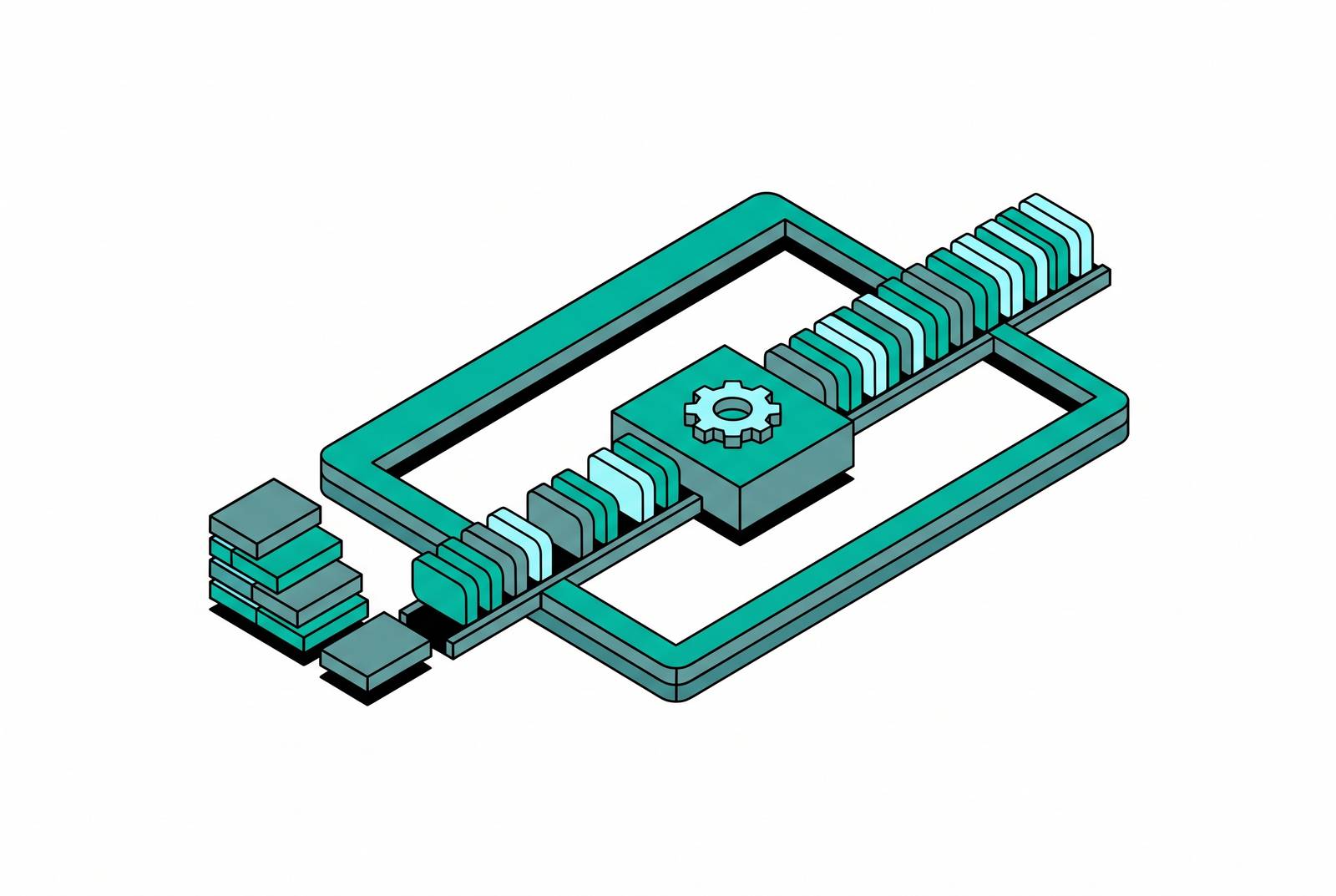
Two mechanisms handle "text-to-speech in the browser," but they behave very differently. It's the Web Speech API, baked right in, with no server call and no raw audio you can grab. The other gets synthesized audio from a cloud engine and sends it through the Web Audio API, where an AudioContext controls the sample rate and the master clock that everything else must follow. Choose the wrong path, and no downstream fixes will rescue the project: this decision determines all the buffering issues and sync problems ahead.
How the Web Speech API handles, and mishandles, buffering
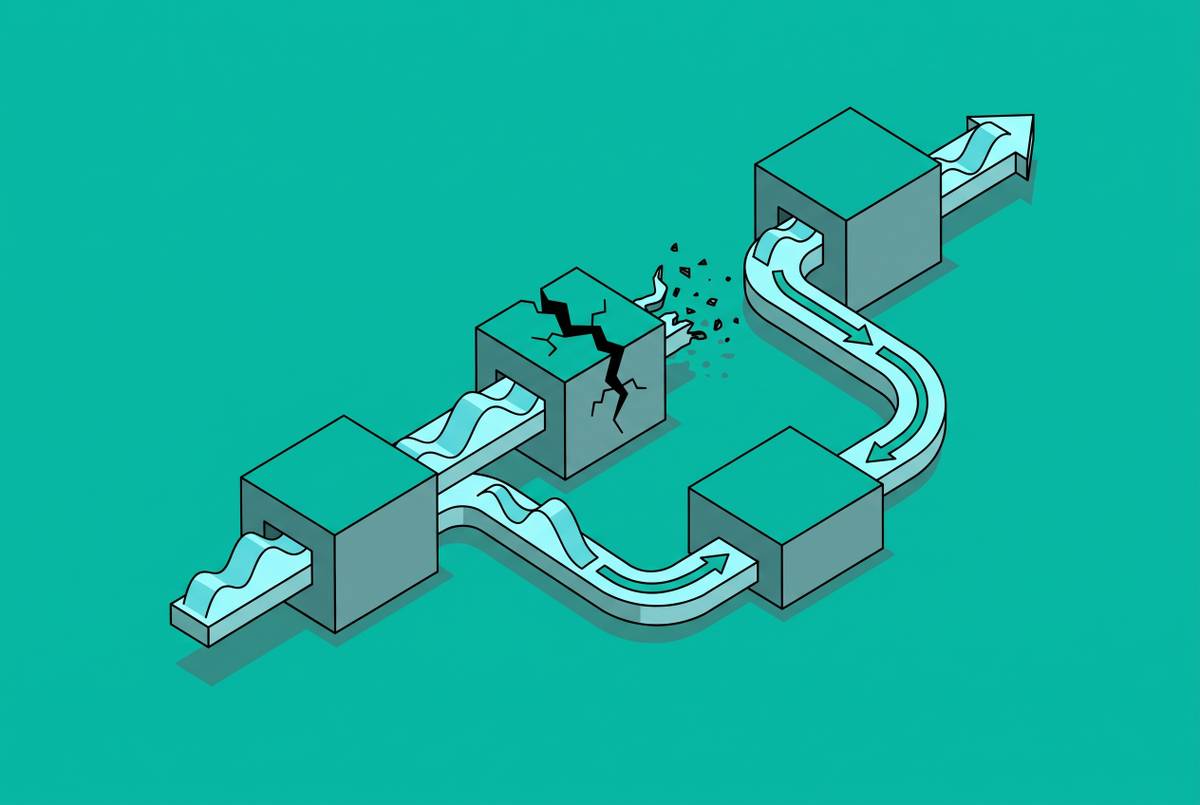
The Web Speech API promises to manage buffering without any user effort. That’s the appeal. It's also the trap: when it breaks, there's no buffer to inspect, and no clear signal why the words stopped.
For example, Chrome stops synthesis on a long utterance at a few hundred characters. Hand it a whole paragraph, it cuts off mid-sentence, no message, nothing. The solution is straightforward: break the text up into shorter utterances and play them one after the other. Tabs in the background also create issues. When a tab loses focus, Chrome slows or stops speech and Safari throttles or stops it, so a long-form reader must use a Wake Lock or catch the visibilitychange event and restart speech when the tab regains focus.
Next up is the autoplay gate. The first thing spoken in a session needs a user action to start, common practice today, but iOS Safari enforces strict autoplay rules per tab. This means a small lag as the OS reinitializes the speech engine.
Voice list population creates another complication. With Chromium browsers, the available voices list starts empty at page load and fills only after the browser triggers a voiceschanged event. A sloppy implementation grabs speechSynthesis.getVoices() immediately, receives an empty result, and wrongly concludes there are no voices. To handle this correctly, check right away, listen for the event, and keep polling briefly, as some browsers take longer to populate the list.
Privacy is also important, yet many teams overlook it. Network voices send utterance text to vendor servers for synthesis. This is fine for a recipe blog, but a real liability for a banking app reading account balances aloud. Using the localService flag on SpeechSynthesisVoice solves this with a single line of code, but many builds ignore it, often because no one checked which voices were local until legal raised the issue.
Browser support for SSML is almost zero. If you wrap text in prosody tags to slow down or stress a word, most browsers ignore the tags and read it in a flat tone like the tags don’t exist. This trend shows up everywhere: the API’s black-box nature helps you begin fast, but it’s the same thing that turns debugging into a nightmare. Choosing the Web Speech API for projects where debugging is crucial later on is essentially gambling that no issues will arise that need insight into its inner workings. More often than not, you'll lose that bet.
Why word-boundary synchronization in the Web Speech API is unreliable across browsers
The boundary event should trigger at every word or sentence, returning a charIndex, charLength, and elapsedTime so developers can create features like karaoke-style text highlighting. MDN itself labels its browser support "limited availability," which in documentation means don't build anything critical.
Browser by browser, the fuzzy picture sharpens quickly. On Windows, Chromium fires word-level boundary events, but the sentence events may not provide usable character data. Chromium on macOS fires word-level boundary events. Safari does the opposite, firing events exclusively at the sentence level. Firefox falls in the middle, while Android Chrome doesn't fully support it yet.
Imagine a word highlighter made and tested on Chrome for Windows. There, it's fine. A MacBook user with Safari sees the full sentence flash, not word by word, since Safari doesn’t offer Chrome’s level of detail. It's the real synchronization problem, and that's why many teams end up ditching the native boundary event for a workaround.
Relying on this event for user-facing features is a bet against Safari, and Safari often wins by doing less than expected instead of making mistakes. You can't catch an error or trigger a fallback. The whole sentence highlights suddenly, and the developer learns about it via a support request.
Workarounds for word-level timing: post-synthesis alignment and the two-stage strategy
Because browser timing varies, don’t rely on it. Create the timing separately, after synthesis, with speech recognition working backward on the audio. Feed the audio into a Whisper model that stamps each word, then match those words back to your script. When Whisper can't fully align the text, use a weighted estimate that compares each word's text weight to the total audio length.
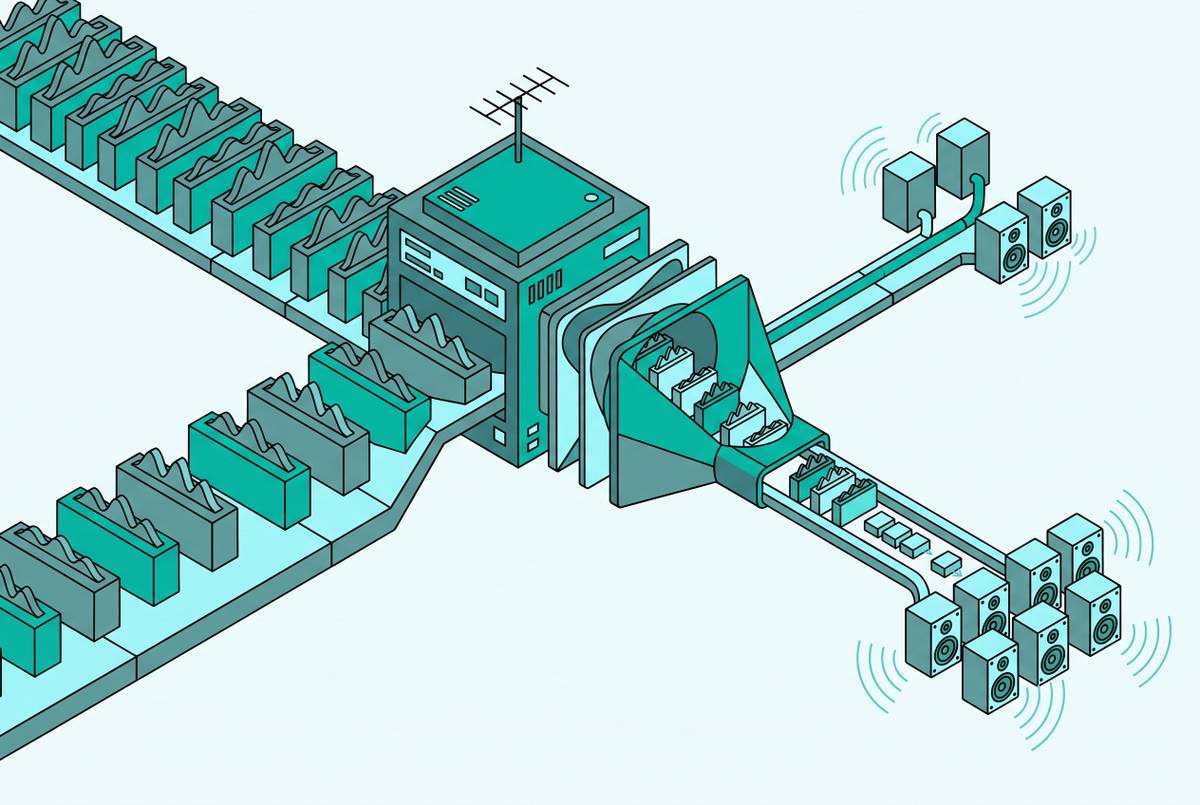
The open-source karaoke-tts MCP server shows this two-step method in action, using Kokoro for synthesis and faster-whisper to get timestamps. Audio chunks stream to the browser via WebSocket and play immediately, relying on an estimated word timing that works well for the initial pass. Whisper then refines the timing for each word and sends the updated values to the browser. When streaming, audio arrives in a few seconds; full synthesis of the same text without it takes many times longer to play. Users hear something quickly at first, and the highlighting improves a beat later.
Not all cloud providers require this fix, and ignoring their differences is the error to avoid, since "cloud TTS" is often seen as one uniform group when it clearly isn't. Microsoft Azure usually has synchronized word highlighting built in, though some of its newer, more expressive voices still lack it. OpenAI's TTS doesn’t have word highlighting: it uses internal tokens instead of word-aligned data, so there are no clear word boundaries to show. Google Cloud TTS supports word-level timing via SSML markup, which increases character count, making it costly at scale. Some cloud providers offer precise word timing automatically, making them suitable for e-learning and accessibility tools that sync speech with animations or video.
No single fix works for all cases; anyone claiming otherwise is ignoring the fact that the best solution depends on the provider already in use and the maximum acceptable processing delay.
Latency: where the delay actually comes from and how to measure it honestly
Latency isn't just one number. It's a stack, and each layer bills separately. According to Picovoice's December 2025 data, audio context startup, JavaScript's event lifecycle, WebSocket buffering, and encryption overhead on both frontend and backend can add 50 to 150 milliseconds to the user's perceived delay. Underneath are the audio pipeline’s own delays: buffering, converting formats, and playback device lag. DupDub's October 2025 data shows that many browsers and mobile audio players buffer for 50 to 200 milliseconds before starting playback. At the base, there's synthesis time: non-streaming TTS waits for the whole clip, but streaming TTS sends bits of audio gradually.
Latency tests people cite often miss the point. Time to First Byte differs from Time to First Audio, and vendors often use the former since it looks better. Those first bytes usually hold only file headers, like a WAV header, an Ogg ID page, or an MP3’s ID3 tag. You can't hear any of it. TTFA shows the real delay from sending the request to hearing the first sound, and it's the only number that matches how quickly a voice agent seems to respond to someone speaking. Citing TTFB in a pitch deck isn't inaccurate, but it addresses a concern irrelevant to the product's users.
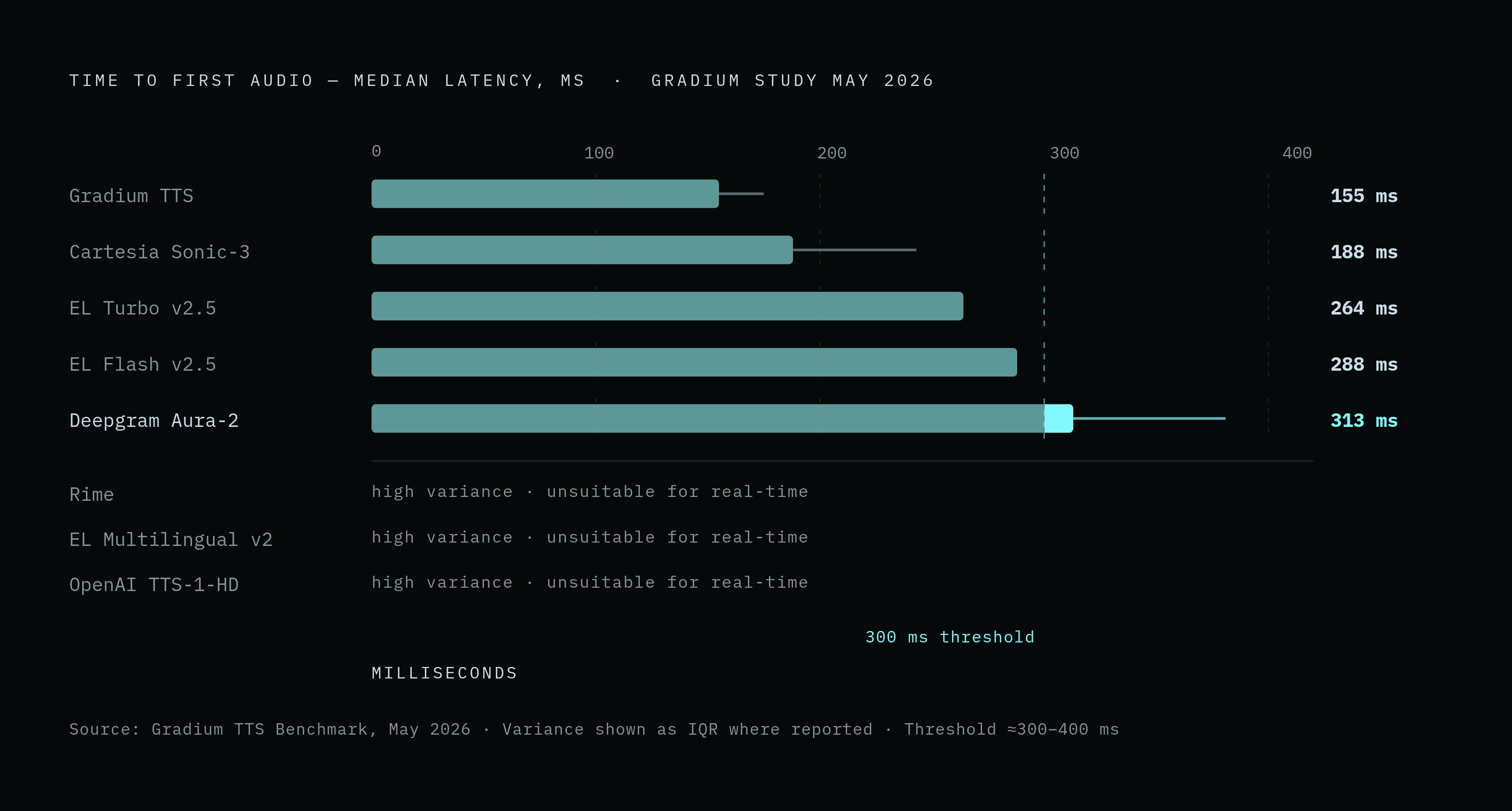
A May 2026 Gradium study tested nine models against the Coval TTS benchmark, measuring P50 TTFA. Gradium's TTS averaged 155 milliseconds with little variation. Cartesia's Sonic-3 averaged 188 milliseconds, but with noticeably higher run-to-run variance. Turbo v2.5 and Flash v2.5 from ElevenLabs clocked 264 and 288 ms. Deepgram's Aura-2 had a median of around 313 milliseconds, with a 68-millisecond interquartile range putting it among higher-variance models. The study flagged Rime, ElevenLabs Multilingual v2, and OpenAI's TTS-1-HD as unsuitable for real-time voice agents due to their high variance.
ElevenLabs says its Flash mode has a TTFA of about 75 milliseconds, and Cartesia says Sonic 3.5's first-byte streaming takes around 90 milliseconds. Double-check those numbers, since Bland AI's September 2026 report says they're from a single, perfect lab test, not actual servers handling many users at once. Assuming a lab number guarantees production performance leads to a blown latency budget in week one; this often happens because that number appears on marketing pages.
How we talk to each other makes that difference important. Human speech pauses average roughly 100 to 300 milliseconds. When latency goes over about 500 milliseconds, people notice it's wrong, and if TTS latency stays above 300 to 400 milliseconds regularly, the exchange feels like a transaction, request, wait, response, instead of a conversation. One isolated request in a lab benchmark reveals little about that same system's P95 performance under real concurrent load. If a number falls apart under real-world traffic, it’s not worth using for a latency budget, even if it looks impressive in the vendor’s blog post.
Streaming protocols and the architecture of the Cloud TTS + Web Audio path
REST isn't designed for this task. A REST call opens, waits for the full response, then closes. This per-request overhead compounds badly when a system chains together every chunk of a longer piece of audio.
WebSocket solves the handshake issue with a single, two-way link: the server sends text bits to TTS and streams audio back without reconnecting. The initial connection incurs the cost of a TCP handshake, SSL handshake, HTTP connection, and protocol upgrade before transferring any audio, so Microsoft advises pre-connecting and reusing the SpeechSynthesizer instance to avoid repeated costs. Deepgram Aura, Fish Audio, and Telnyx all say their TTS APIs support WebSocket.
Server-Sent Events use a straightforward, one-way HTTP connection to send audio chunks as they're created. SSE reduces TTFA and works best if all input text is available before synthesis, as the client doesn't send data mid-stream.
Chunk size is a trade-off you can't cleverly get around. The engine needs sufficient text to generate natural prosody, so sending chunks too soon results in choppy, robotic audio, while delaying too long extends TTFA. ElevenLabs shows this trade-off directly, offering a chunking schedule where developers choose the character counts for the engine's commitments: a smaller count first, then progressively larger ones as the response continues.
The choice of audio format impacts decoding latency in addition to these factors. Opus and AAC offer lower decoding latency than some other formats, so Bland's Speech v3 uses PCM16 WAV at 44.1kHz, streaming it via both HTTP chunked transfer and WebSocket, letting implementations pick the transport while keeping the format consistent.
Web Audio API scheduling, the autoplay constraint, and the AudioWorklet transition
Each new AudioContext begins paused until a user gesture activates it, with mobile browsers applying this rule most strictly. Load a page, spin up an AudioContext in the background, and it just sits there in a "suspended" state producing nothing, gesture or no gesture waiting to trigger it.
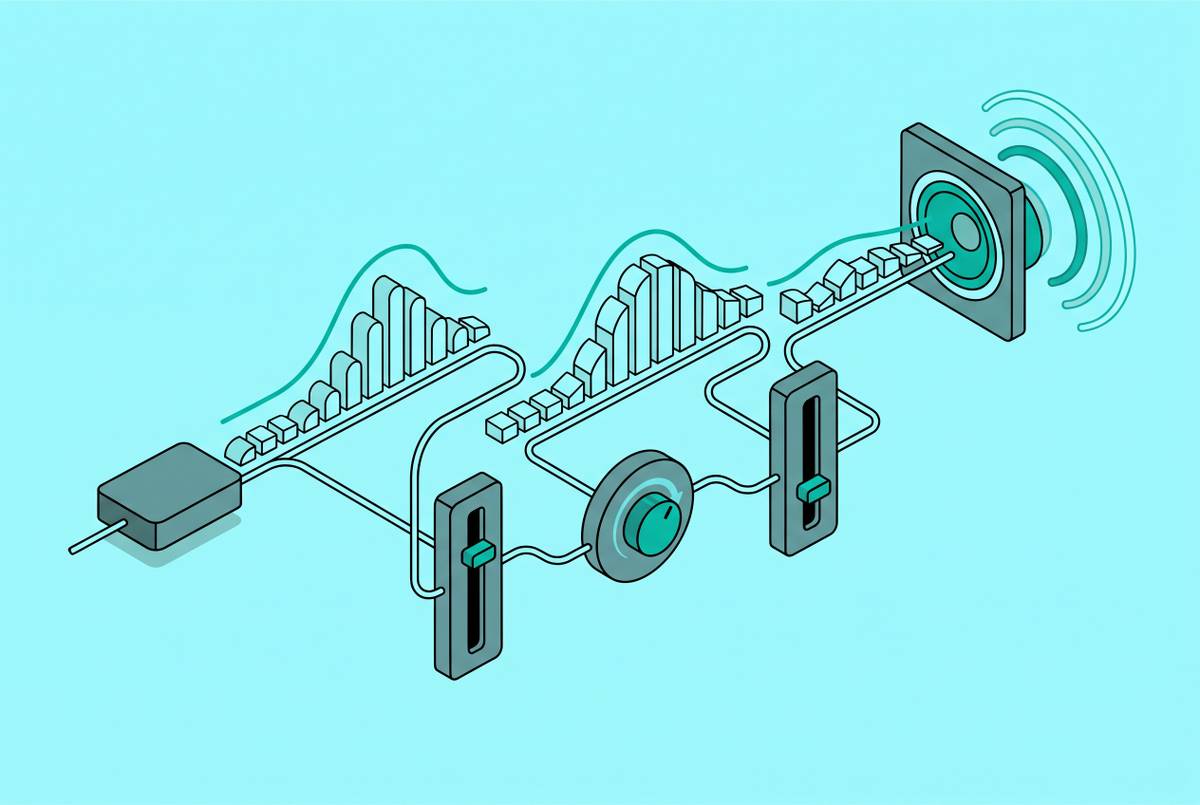
When active, AudioContext provides sample-accurate scheduling, unlike the Web Speech API. By using start() and stop() with audioContext.currentTime, many audio buffers can queue and play in sync, which is crucial for anything more complex than "play one clip and hope."
Buffer size is a setting that affects both sides in important ways. Tiny buffers speed things up but risk crackles when the workload grows, and the best size varies with the graph’s complexity and the hardware. That's why you shouldn't use ScriptProcessorNode in new projects or production code. Running on the browser's main thread, it risks stutters from competing tasks like scroll events or layout reflows. The W3C's Web Audio API 1.1 spec formally deprecates createScriptProcessor() in favor of AudioWorkletNode, which handles DSP work on a separate audio thread, away from main thread activity. AudioWorklet has been available in major browsers for several years, ending browser support excuses long ago.
Codebases still using ScriptProcessorNode face hidden reliability issues, glitches appear only when other tasks compete for main-thread time, often in production, at the worst times, like during a key demo. Switching to AudioWorklet isn’t just tidying up. It distinguishes audio that stays smooth under stress from audio that falters when a user opens another tab.
The trade is clear when stated simply: Web Audio provides precise scheduling control that Web Speech API doesn't, yet that power involves managing the audio graph, correctly decoding formats, and proper threading.
Choosing the right path given what each one requires of the implementation
Which one really works? Teams often choose the Web Speech API for its quick setup, but this is a mistake for long-term projects, and it's better to state this clearly: relying on it as a default beyond prototyping is flawed. Teams discover the ceiling months later, usually the week a product manager asks for word-level highlighting on Safari and the answer turns out to be "not reliably, no."
The Web Speech API works best for simple, quick-to-add features like a blog’s read-aloud button or an accessibility option where matching voices exactly across devices isn’t important. Defensive coding can manage its failure modes, like character cutoffs, tab-focus throttling, and inconsistent boundary events, but these issues never fully vanish, however carefully the code is written. It shouldn’t be used for private data (banking, health records, cases where sending text to outside servers risks exposure), when you need fine-tuned SSML timing, or when the app depends on browsers keeping the same rhythm.
Using Cloud TTS with the Web Audio API is more work, but it's worth it when you need high voice quality, precise timing, and low latency. Manage the AudioContext lifecycle, choose a streaming protocol, adjust chunk size, decode formats, and switch to AudioWorklet rather than sticking with a deprecated node just because the old code still works. That's the price of admission. This lets you use provider-level word timing with Azure or IBM Watson, or Whisper alignment if they don't support it. Measure it by TTFA, not TTFB, and never by a vendor's lab-reported single-request speed.
If you're creating narrated articles, e-learning modules, or voice-driven marketing experiences, this logic applies even if your job isn't "engineering". This split you read about earlier isn’t just tech, it’s content: it shapes the sound people hear and how well it matches the text. Every failure mode covered here, the cutoffs, the throttling, the inconsistent boundary events, the TTFB-versus-TTFA sleight of hand, is predictable once it's named, which means each one is avoidable too, provided the path gets chosen on purpose instead of by whatever tutorial happened to be open at 11pm the night before launch.
Sources
- SpeechSynthesisUtterance: boundary event - Web APIs | MDN
- developer.mozilla.org
- Streaming Text to Speech API Developer Guide
- Text-to-Speech Latency: How to Read Vendor Claims and Minimize TTS Latency
- How to lower speech synthesis latency using Speech SDK - Foundry Tools
- dupdub.com
- developer.mozilla.org
- ryanwelch.co.uk